What Is a Clicker Counter?
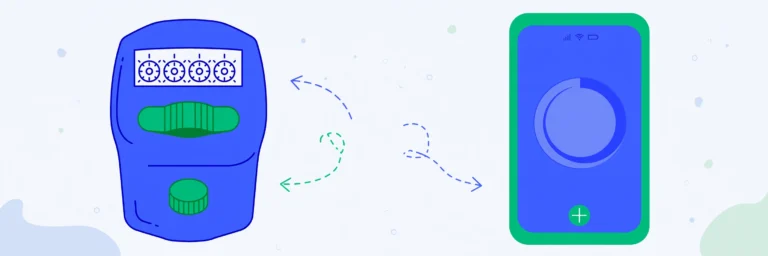
A clicker counter is a counting tool you operate with clicks — one click, one count. The name comes from the classic handheld clicker: a small metal device that makes a “click” sound every time you press it. Bouncers, ushers, factory workers, and coaches have used them for decades.
This page is the digital version. Instead of carrying a piece of metal, you open this page on your phone and tap. The idea is identical, but you also get multiple counters, saved counts, and no hardware to lose.
Clicker Counter vs. Tally Counter
People use the two terms for the same thing. If you searched for “clicker counter”, you want a tool where you click to count — and that is exactly what the tool above does. Tap the big number or press the spacebar, and the count goes up.
When a Clicker Counter Beats Counting in Your Head
- Door counting: count every person who enters a shop, event, or classroom.
- Reps and laps: keep your place during workouts without breaking rhythm.
- Inventory: tap once per item on a shelf or per box in a delivery.
- Scorekeeping: one tap per point — faster and fairer than memory.
- Mouse and keyboard testing: some people use a clicker counter to test whether every click registers.
How to Use This Clicker Counter
- Click the big number or press Space to add one.
- Use the − button to subtract if you miscount.
- Add more counters with + New counter and rename each one.
- Your count auto-saves in your browser — come back anytime.
Frequently Asked Questions
Is this clicker counter free?
Yes, completely free with no signup and no download.
Can I use it on my phone?
Yes. It is built mobile-first with large tap targets for fast counting on any phone.
Does it save my count?
Yes. Counts are stored in your browser automatically and restored when you return.
Can I count two things at once?
Yes. Add multiple counters and give each one its own label.