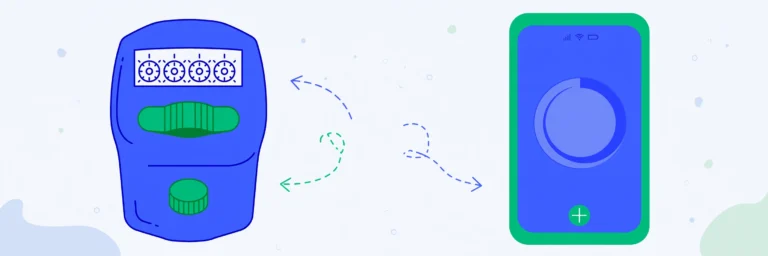
A tasbih counter helps you keep count of dhikr — the remembrance of Allah — without losing track. The counter below opens with the three most common dhikr phrases already set up, each with its traditional target count and a progress bar.
How to Use This Tasbih Counter
- Choose the dhikr you want to recite — SubhanAllah, Alhamdulillah, or Allahu Akbar.
- Tap the big number (or press the spacebar) once for each recitation.
- Watch the progress bar fill. When you reach the target, the counter marks it complete.
- Reset and continue with the next dhikr, or set your own target for any other remembrance.
Common Dhikr and Their Counts
- SubhanAllah (33 times): “Glory be to Allah” — traditionally recited 33 times after each prayer.
- Alhamdulillah (33 times): “All praise is due to Allah” — traditionally recited 33 times after each prayer.
- Allahu Akbar (34 times): “Allah is the Greatest” — traditionally recited 34 times after each prayer, completing 100.
- Astaghfirullah (100 times): seeking forgiveness — many aim for 100 daily recitations. Add it with “+ New counter” and set the target to 100.
- La ilaha illallah (100 times): the declaration of faith — commonly repeated 100 times in morning and evening remembrances.
Why a Digital Tasbih?
A digital counter never breaks, never gets lost, and is always in your pocket with your phone. The vibration feedback confirms each tap without you needing to look at the screen, which helps you stay focused. Dark mode keeps the screen gentle during night worship.
A Note on Respectful Use
Dhikr is an act of worship. Use the counter as a helper, not a distraction — silence notifications, face the qibla if you wish, and keep your intention sincere. The tool is only a means; the remembrance is what matters.
Frequently Asked Questions
Is it permissible to use a digital counter for dhikr?
Scholars generally permit counting dhikr with fingers, beads, or digital tools, as the purpose is remembrance. If you have questions about practice, please consult a trusted scholar.
Can I add my own dhikr with a custom target?
Yes. Press “+ New counter”, rename it to any phrase, and set any target you like — 100, 500, 1000, or unlimited.
Will it vibrate on each tap?
Yes, vibration is on by default on phones that support it. You can turn it off in the toolbar.
Is my dhikr count saved?
Yes. Counts auto-save in your browser, so an unfinished set of 100 is still there when you return.